
Calculator Hide Photo, Video2.79 - AppGallery
You'll be able to see results in few seconds.
Publisher Description
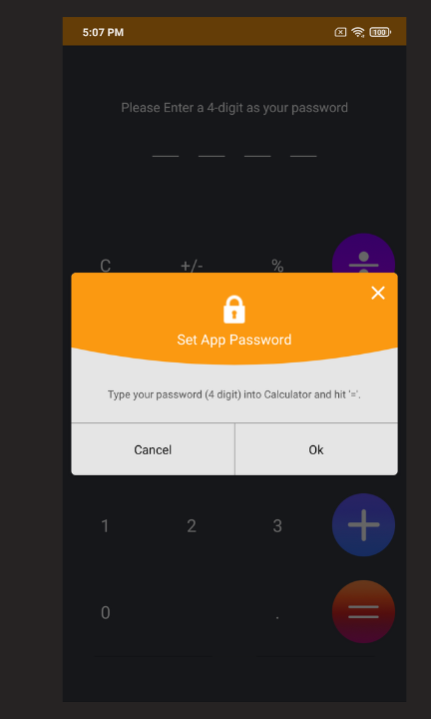


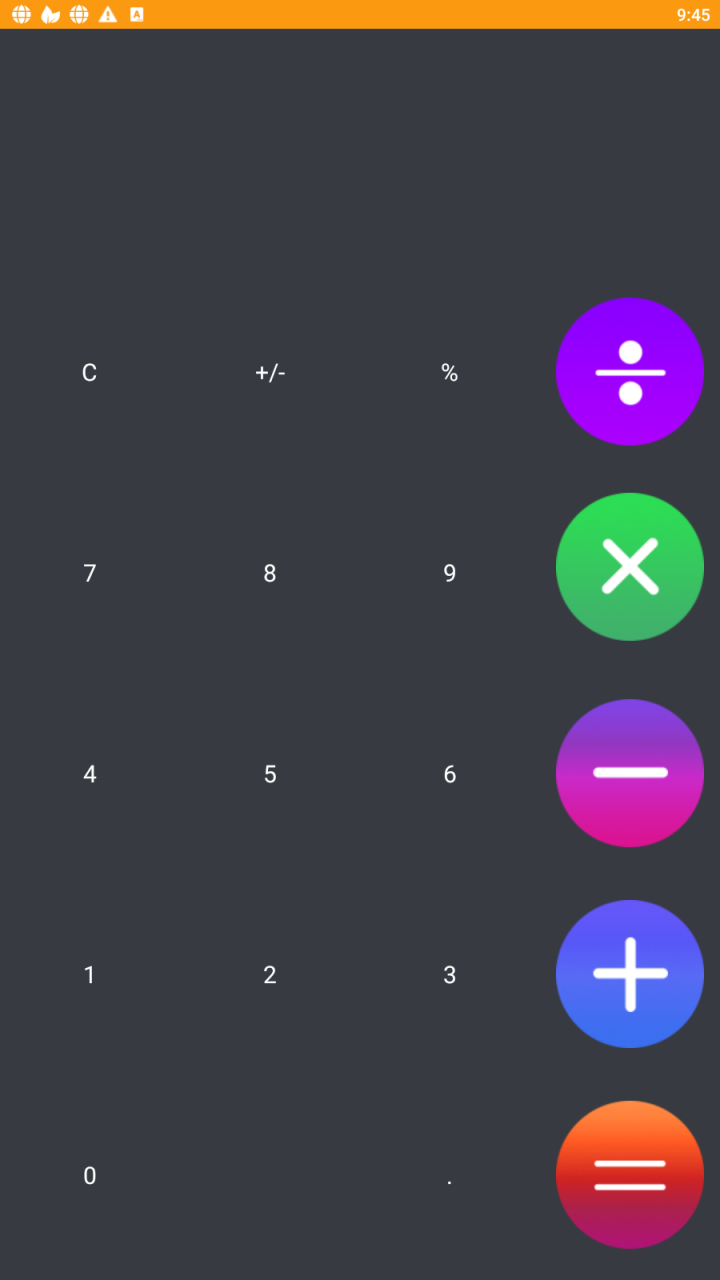
Calculator Lock is a vault app can secretly Hide Pictures, Hide Videos without anyone knowing as gallery lock installed in your phone looks as just a regular calculator. Your files will be secretly stored in vault and can only be viewed after a Numeric PIN is entered on the calculator.
With Calculator photo vault you can easily transfer photos or videos from your phone's public gallery into the vault for privacy. Hidden calculator keeps your photo albums absolutely secure thanks to its smart password and interface. Download Photo vault calculator now to get the best privacy for personal photos/videos on your phone.
Hide photos and videos app with the calculator application icon and keep your privacy safe. You can import your private images, videos, audio and files into this secure repository and no one knows its existence except you.
Top Features:
✔ Hide Photos & Hide Videos
Calculator Photo and Video Locker app lets you hide personal images and short videos or long movies with advanced protection. Organize your photos to manage easily using folders. You can also hide multiple images and videos.
✔ Calculator video lock, calculator photo vault, no one knows its existence except you
✔ Calculator photo lock vault: Click on plus button at the bottom of the calculator app lock and then select safe locker media from Device and click the lock calculator button to hide the calculator into the photo lock app.
✔ Lock files, notes, contacts in secret calculator lock
About Calculator Hide Photo, Video
The company that develops Calculator Hide Photo, Video is Vanced Player. The latest version released by its developer is 2.79.
To install Calculator Hide Photo, Video on your Huawei device, just click the green Continue To App button above to start the installation process. The app is listed on our website since 2022-11-29 and was downloaded 0 times. We have already checked if the download link is safe, however for your own protection we recommend that you scan the downloaded app with your antivirus. Your antivirus may detect the Calculator Hide Photo, Video as malware if the download link to C107414307 is broken.
How to install Calculator Hide Photo, Video on your Huawei device:
- Click on the Continue To App button on our website. This will redirect you to Huawei Store.
- Once the Calculator Hide Photo, Video is shown in the Huawei Store listing of your Huawei device, you can start its download and installation. Tap on the Install button located below the search bar and to the right of the app icon.
- A pop-up window with the permissions required by Calculator Hide Photo, Video will be shown. Click on Accept to continue the process.
- Calculator Hide Photo, Video will be downloaded onto your device, displaying a progress. Once the download completes, the installation will start and you'll get a notification after the installation is finished.
Program Details
System requirements
Download information
Pricing
Version History
version 2.79
posted on 2022-11-29
Disclaimer
Official AppGallery Link
We do not host Calculator Hide Photo, Video on our servers. We did not scan it for viruses, adware, spyware or other type of malware. This app is hosted by Huawei and passed their terms and conditions to be listed there. We recommend caution when installing it.
The AppGallery link for Calculator Hide Photo, Video is provided to you by apps112.com without any warranties, representations or guarantees of any kind, so access it at your own risk.
If you have questions regarding this particular app contact the publisher directly. For questions about the functionalities of apps112.com contact us.
